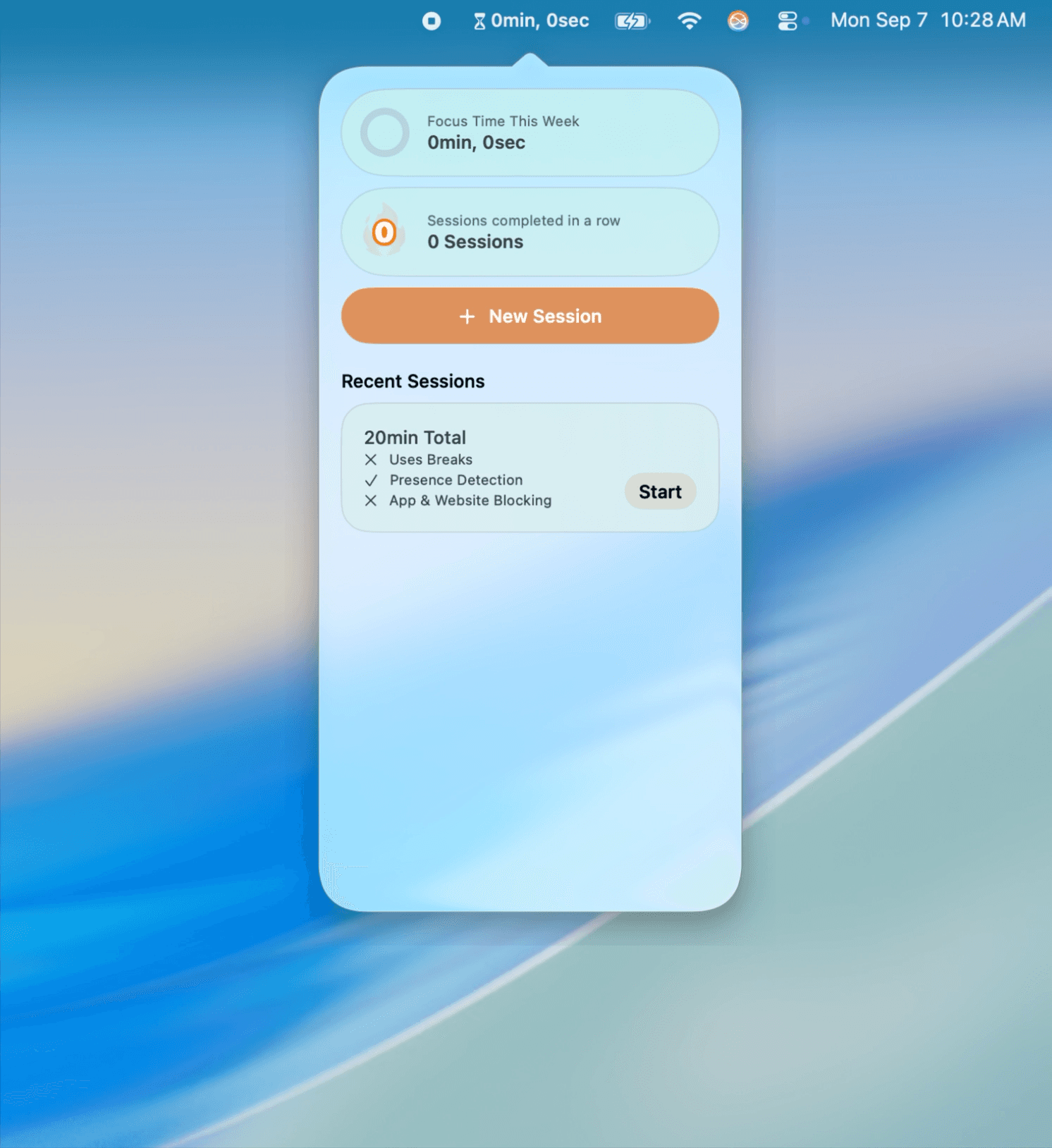
Timely 0.2.2 introduces a more refined way to set up your focus sessions, making it easier than ever to get started.
The Fiddly Affair
Timely had allowed the lengths of sessions to be entered by keyboard, starting with typing the hour digit, followed by the two minute digits. This proved to be finicky – arrow keys galore, accidental presses, digits in the wrong spots, and confusing messages when digits were forgotten.
We’ve taken this feedback and looked at other apps. Flow offers a selection of durations – 15 minutes, 20 minutes, 25 minutes, etc. – hidden behind a menu. Session employs a circular slider that snaps to 15-minute intervals. Apple’s Clock app does something similar to Timely's old system, utilizing the keyboard to enter focus time.
While many of these options work, they didn’t feel distinctly macOS, or have the feel Timely was after. So we created our own, bringing the customizability of a keyboard, with the ease of chosen intervals, and the feel of a circular slider. A large, custom-built, specialized, linear slider.

Something Obvious
A standard slider didn't quite have the feel we were looking for, so we built our own. As the slider increases and decreases, haptics on supported trackpads and mice are played at regular intervals. As you move the slider, the Focus Length updates with a satisfying little animation. To make the displayed duration representation clearer, text animates in, briefly showing the time in English – “1 hour, 15 minutes.”
It's a seemingly obvious idea in hindsight, but one that took plenty of experimentation to add that little spark of joy we all know and love.
Ironically Time Consuming
We’ve all had the feeling of spending what feels like an eternity getting ready to work for a long duration of time. To diminish this feeling, we wanted a new way users can specify breaks and work intervals within their session, one that feels clearer and more natural.
With the power of on-device machine learning models, you can now describe your session in plain English – "1 hour of work, a 15-minute break, then another 45 minutes" – and Timely will put it all together for you.
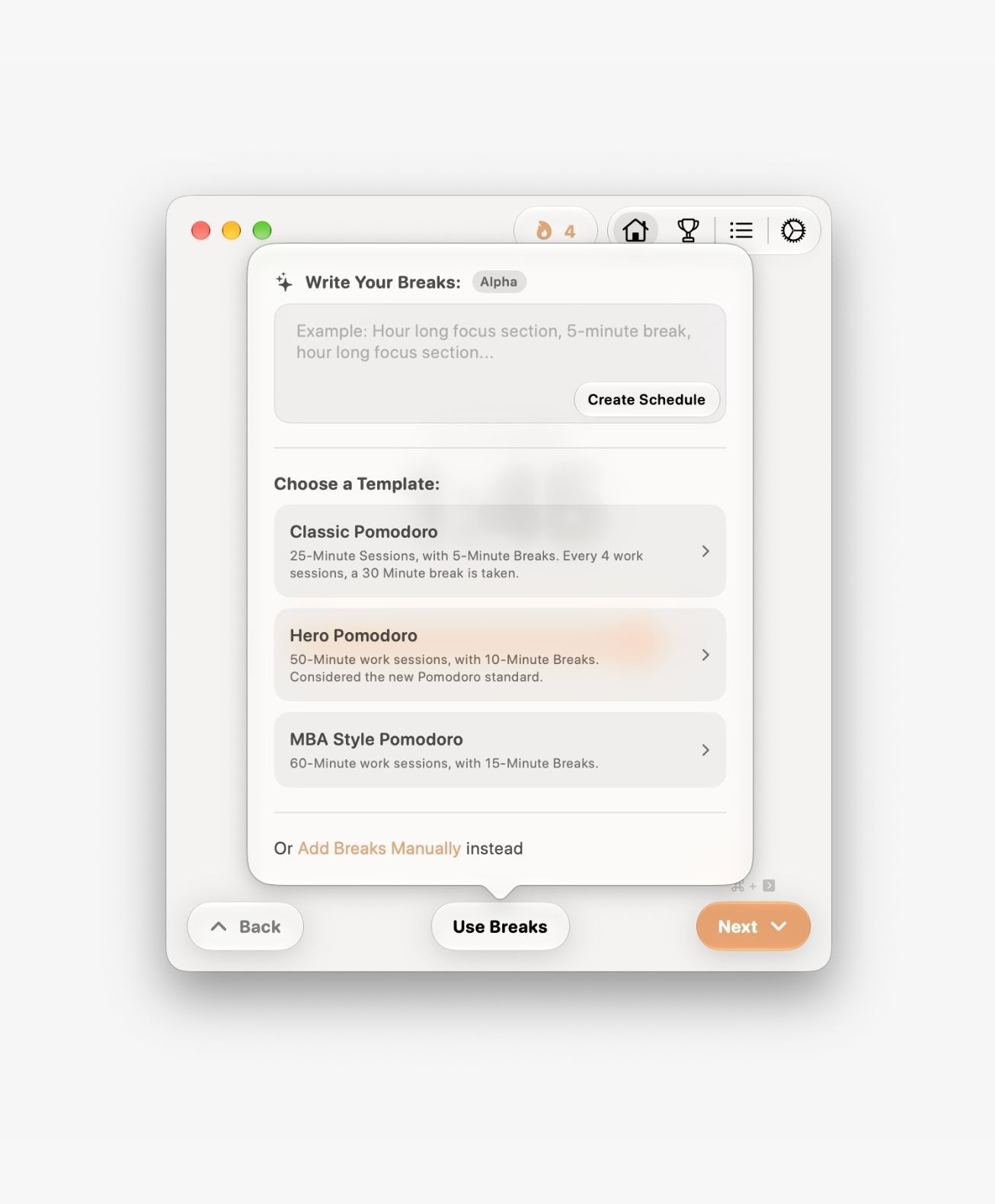
This makes using breaks in sessions a little easier. The natural language processing occurs fully on device, in just a couple of seconds. Users can then make any changes they’d like. Alongside our customizable Pomodoro templates and manual break creation, it's now easier than ever to get your session just right – and get back to what matters.
This feature is still in Alpha, so it's important to check the schedule it made before starting the session.
Alongside these improvements, we've fixed a number of bugs and made smaller refinements throughout the app. And there's plenty more to come this fall and winter!
Timely Team